
How to Download the Free Demo
Find the official Worst Class Ever Demo on Steam, check the Windows requirements, and learn how its six-player version differs from launch plans.
Where is the official demo download?
The official download is the separate Worst Class Ever Demo page on Steam, app 5354030. It is listed as free and already released. The full game has a different app ID, 5175310, and was still marked as upcoming when these sources were checked on November 1, 2026.
- Open the official demo page in Steam or your browser.
- Confirm the title includes Demo and the app address contains 5354030.
- Use the install or play option offered by Steam, then allow its download and any queued update to finish.
- Launch the demo from your Steam library.
There is no need to obtain a replacement executable from a download mirror. Wishlisting the full game is a separate action and should not be confused with installing the demo.
What should you check before the first match?
Check your Windows PC against the published requirements and ensure that Steam has finished updating the demo. The current store specification lists Windows 10 64-bit, 4 GB minimum RAM, DirectX 11 and 4 GB of available storage. It also requires a broadband Internet connection for its networked play.
The complete minimum and recommended table is on our system requirements page. The demo currently lists English, Simplified Chinese and Traditional Chinese, a narrower selection than the full-game listing; check the language comparison if you need French, German, Japanese or Korean. We do not assume that those full-game languages are already present in the demo.
How many friends can join the demo?
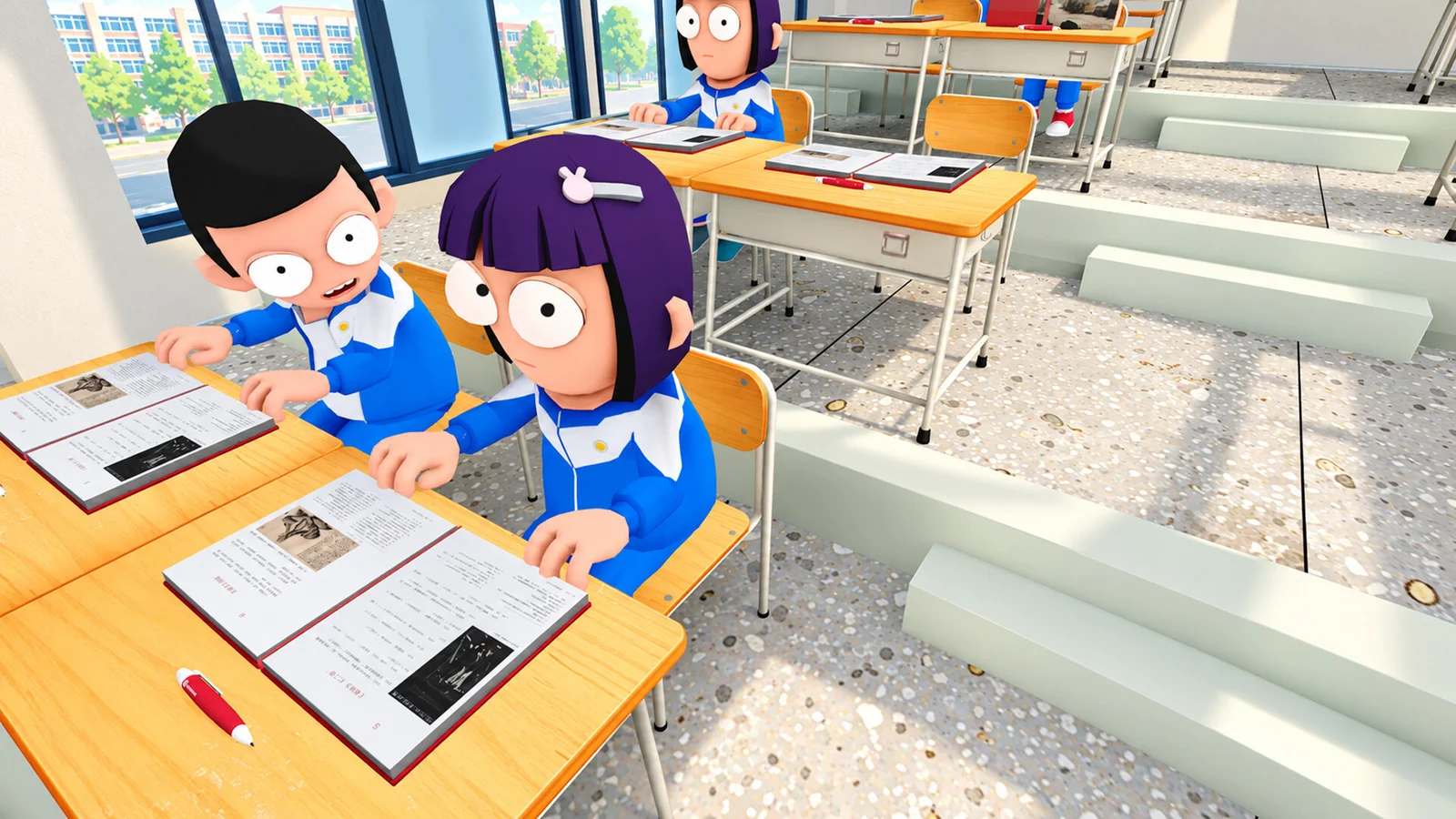
The demo uses the six-player classroom format: one teacher faces up to five player-controlled students. The developer’s October 27 announcement instead plans an eight-player limit for the full release. An eight-person group should therefore not treat the forthcoming specification as a guarantee that everyone can join today’s demo together.
The October 16 patch notes added Steam-friend invitations through the in-game phone. This confirms an invitation feature, but not a universal shortcut key or an unchanged menu layout in every later build. Use the prompts in your current game. For loading, room-list or voice-chat problems, see the troubleshooting checklist; earlier fixes are recorded as patch history, not proof that the same faults still affect every player.
Related guides
- Demo Update History
- Worst Class Ever Release Date: November 9 or 10?
- Worst Class Ever PC Requirements
Sources and version
Checked November 1, 2026. These guides use official descriptions and dated updates, not claimed personal playtesting.
Related Articles
game-info
Demo Update History
Track the major Worst Class Ever demo updates: friend invites, room joining, player-count balance, crawling, back doors and the fourth-floor Computer Lab.
game-info
Demo vs Full Game: Players and Planned Features
Compare the current six-player Worst Class Ever Demo with the announced eight-player full release, new classrooms, room settings and language support.
game-info
Worst Class Ever Release Date: November 9 or 10?
Compare the November 9 Steam date with the November 10 official announcement, plus the current demo, platforms and price status.
Was this helpful?
Thanks for the feedback!