
Connection, Voice Chat and Controls Help
Check official Worst Class Ever Demo fixes for room loading, voice chat, keybinds and stuck characters, with a safe current-build troubleshooting checklist.
Which problems have official patches addressed?
Several October demo updates explicitly fixed connection, input and movement problems. They are useful when identifying an old report, but they do not establish that every issue still affects the current build. Start by updating through Steam, then compare the exact symptom with the dated history below before following an old workaround.
| Symptom in the notes | Official fix history |
|---|---|
| Room loading bar stalls | October 14 update, then further fixes in 0.1.7 and 0.1.9 |
| Cannot hear others after joining | Demo 0.1.6, October 16 |
| Custom keybinds reset or do not apply | October 14 update |
| Volume slider changes do not apply | October 14 update |
| ESC cannot close the lobby | Demo 0.1.9, October 19 |
| Empty 0/6 rooms appear in the list | Demo 0.1.9, October 19 |
See the October 14 notes, 0.1.6 and 0.1.9 for the original reports.
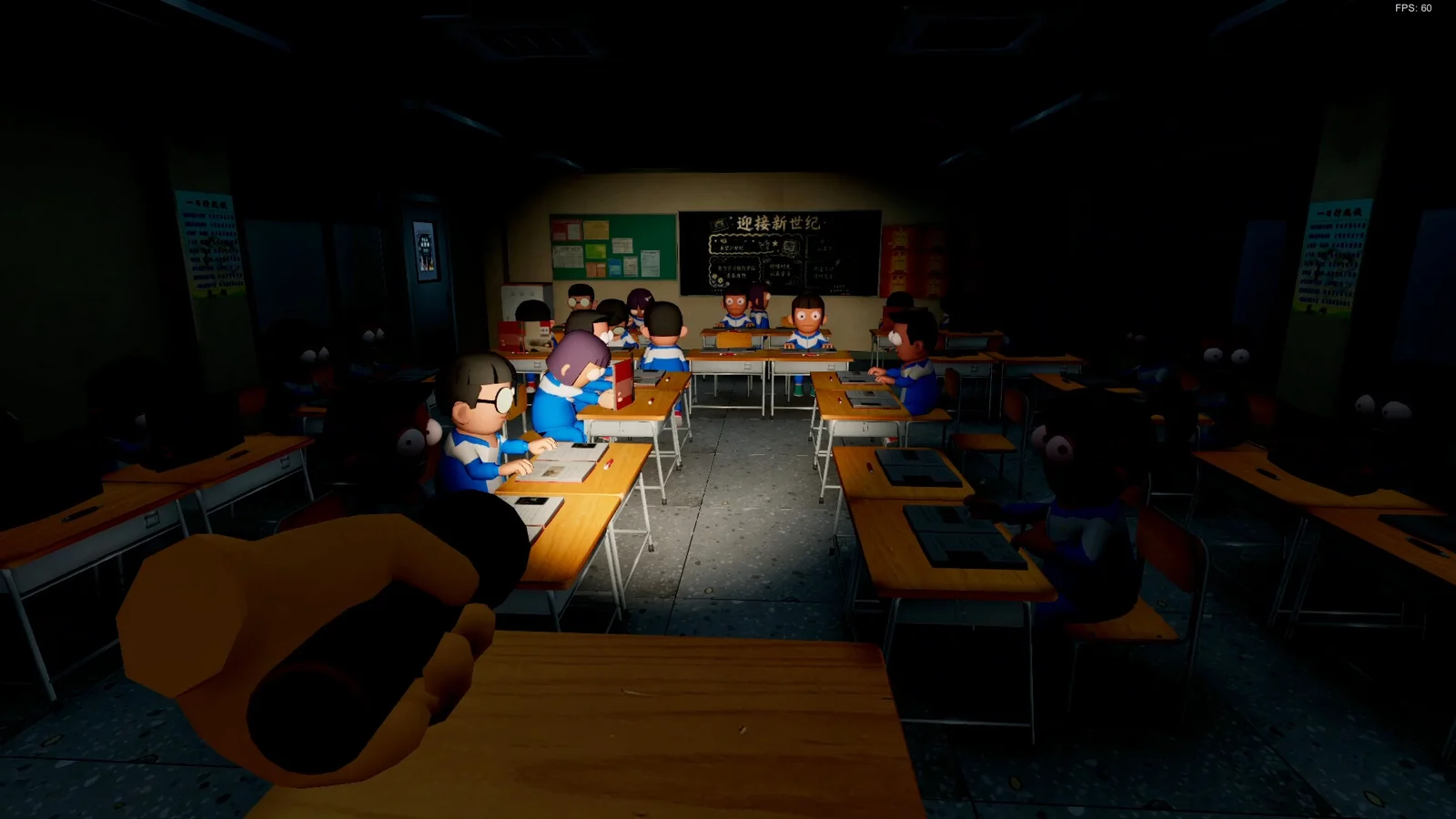
What should you try when a room will not load?
Confirm that Steam has completed the update, restart the demo, and try a fresh room before treating an old loading report as a current server outage. These are general isolation steps, not a developer-guaranteed repair. The official notes mention repeated loading fixes, but publish no universal port-forwarding rule or single error-code solution.
Record whether you joined a public room or an invitation, whether another room works, and the exact message or progress-bar behavior. Demo 0.1.6 added invitations through the in-game phone and corrected misleading room-join error codes; 0.1.7 also says new players can join after a round ends. That is not a promise of joining at every moment during an active round. Use the demo guide to confirm everyone has the correct app.
How should you handle voice, input or movement faults?
For missing voice, check your selected microphone, playback device and their operating-system permissions, then retest after updating. For controls, inspect and reapply your current bindings rather than trusting an old shortcut list. These checks help narrow the cause; they do not prove the game, your device or a server is responsible.
Later notes also address getting stuck, falling through floors, and role-assignment or teleportation anomalies: 0.1.7, October 21 and October 23. Do not use those fixes as instructions for reproducing an exploit. If a fault recurs, report the current build, classroom, role, steps and whether it happens again in a fresh session.
Compare your setup with the PC requirements. Keep demo reports separate from the forthcoming full game, and avoid unverified executables, registry changes or disabling security software as a supposed universal solution.
Related guides
Sources and version
Checked November 1, 2026. These guides use official descriptions and dated updates, not claimed personal playtesting.
- Steam Demo store
- [School-Wide Announcement] 10,000+ Players on Day 1! Emergency Repairs Completed
- Demo 0.1.6 Update Announcement
- Worst Class Ever Demo 0.1.7 Update Announcement
- Worst Class Ever Demo 0.1.9 Update Announcement
- [School-Wide Announcement]200K Reached in 7 Days! New Gameplay Update Complete
- [School-Wide Announcement]300K Reached in 10 Days! Computer Lab out now!
Related Articles
game-info
How to Download the Free Demo
Find the official Worst Class Ever Demo on Steam, check the Windows requirements, and learn how its six-player version differs from launch plans.
game-info
Demo Update History
Track the major Worst Class Ever demo updates: friend invites, room joining, player-count balance, crawling, back doors and the fourth-floor Computer Lab.
game-info
Demo vs Full Game: Players and Planned Features
Compare the current six-player Worst Class Ever Demo with the announced eight-player full release, new classrooms, room settings and language support.
Was this helpful?
Thanks for the feedback!